

Turn an endless camera roll
into years, months and days you can reach

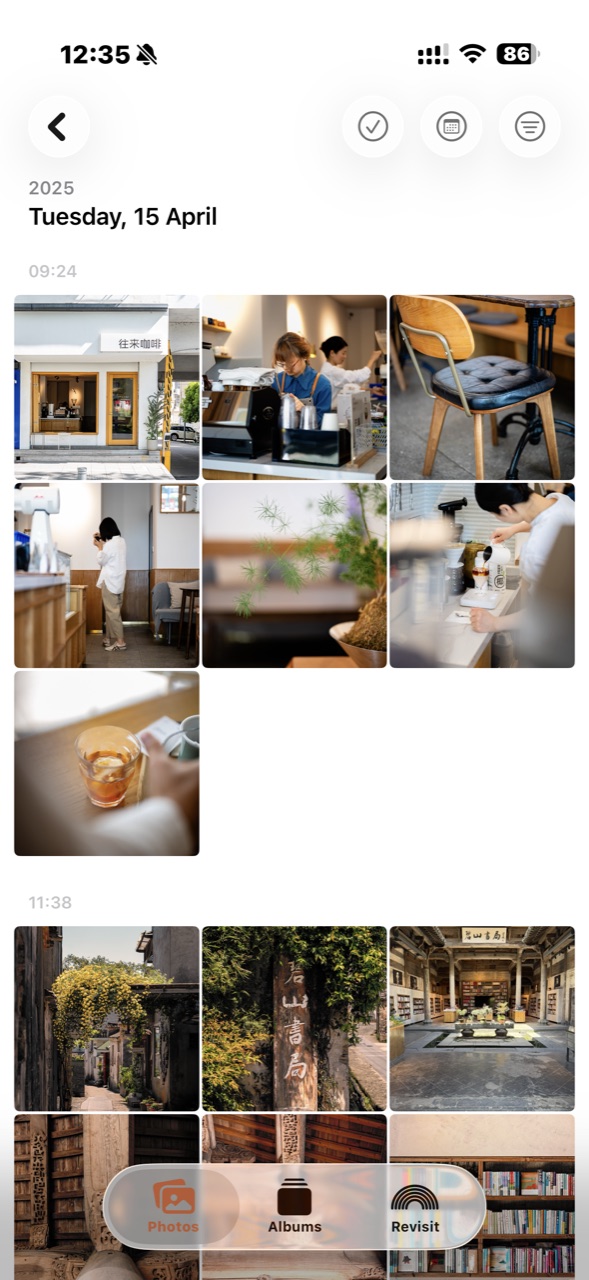
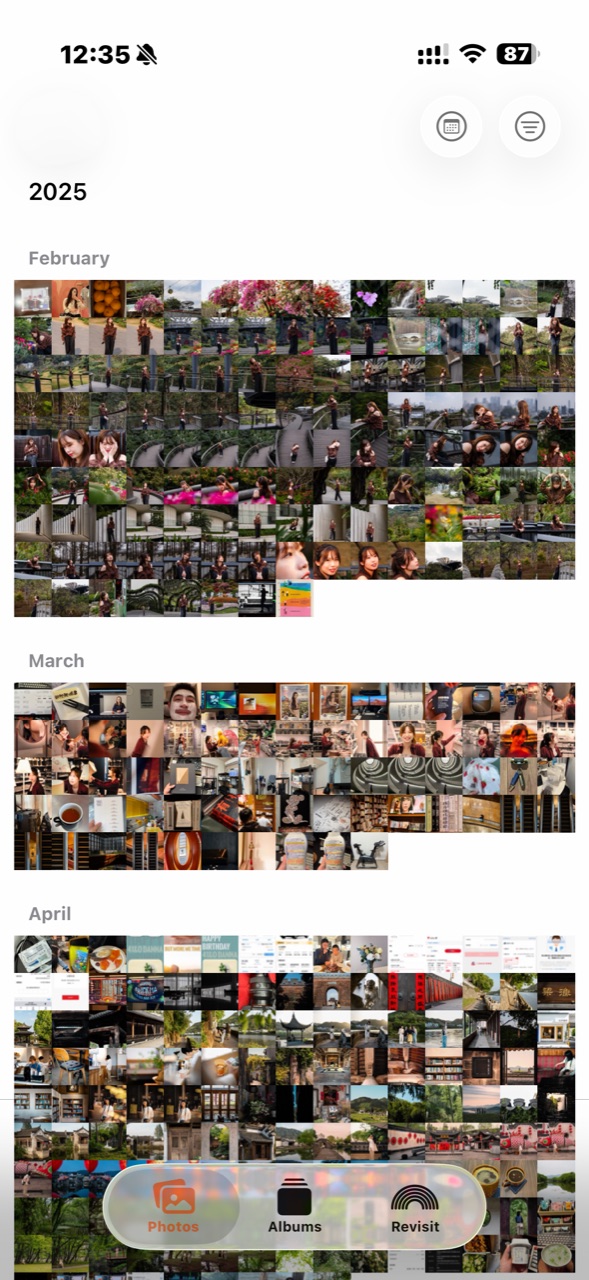
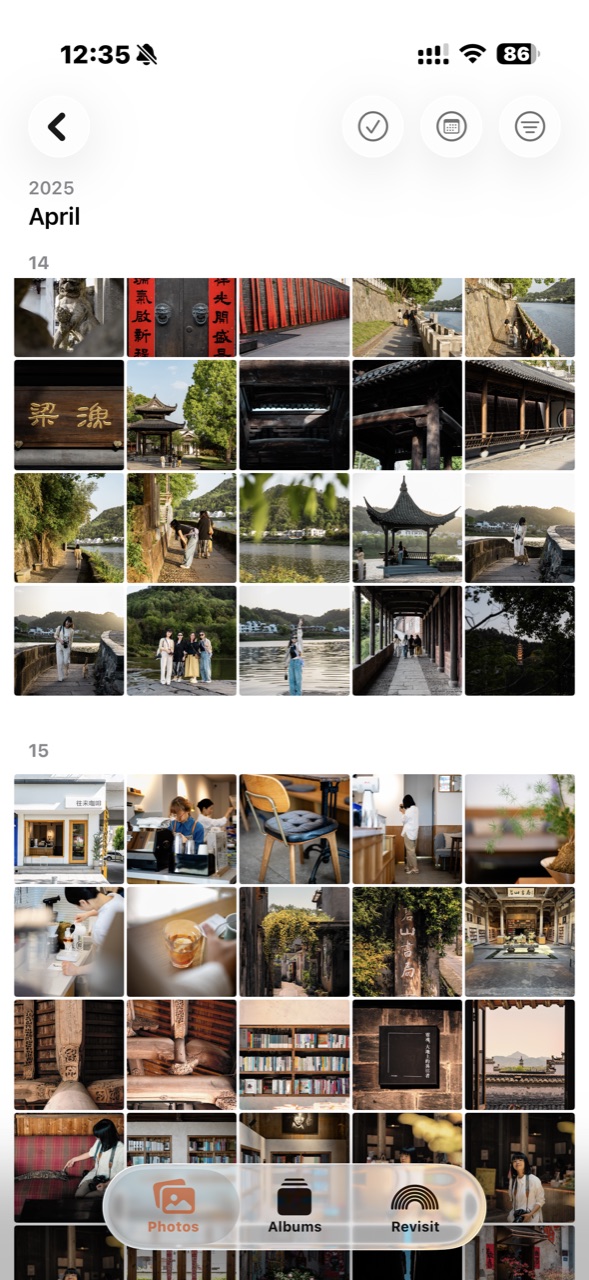
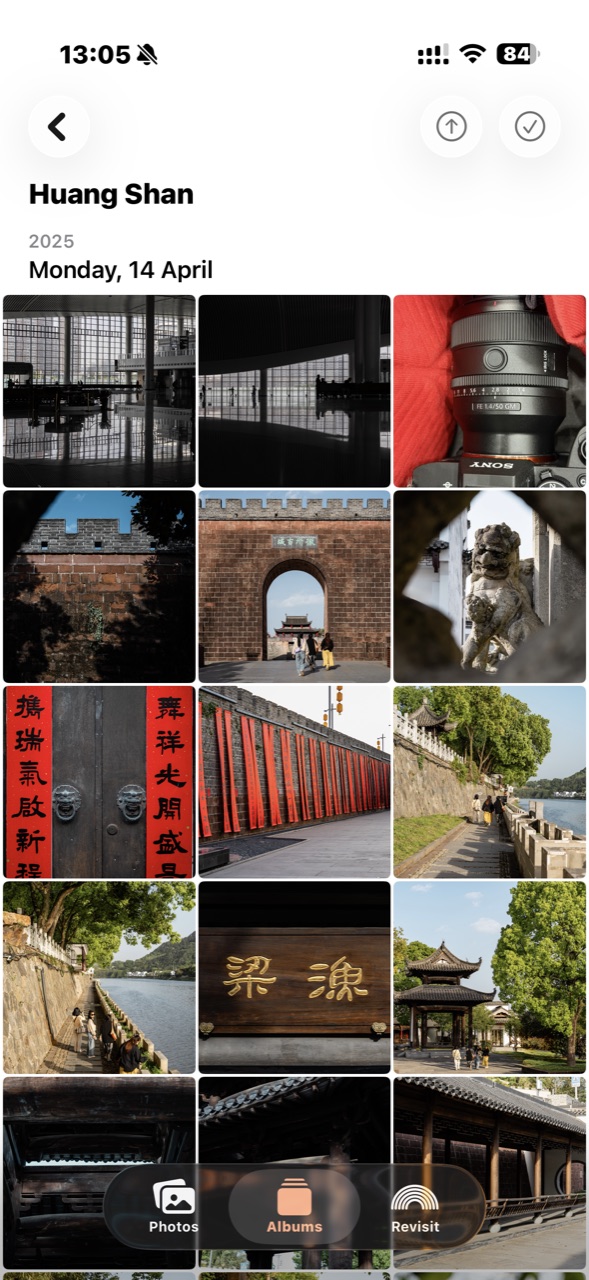
Find the year, tap into the month, then look through it day by day. Your eyes only handle a small batch at a time, so photos are easy to find.
Open Quick Jump, pick a date, and land right on that day.
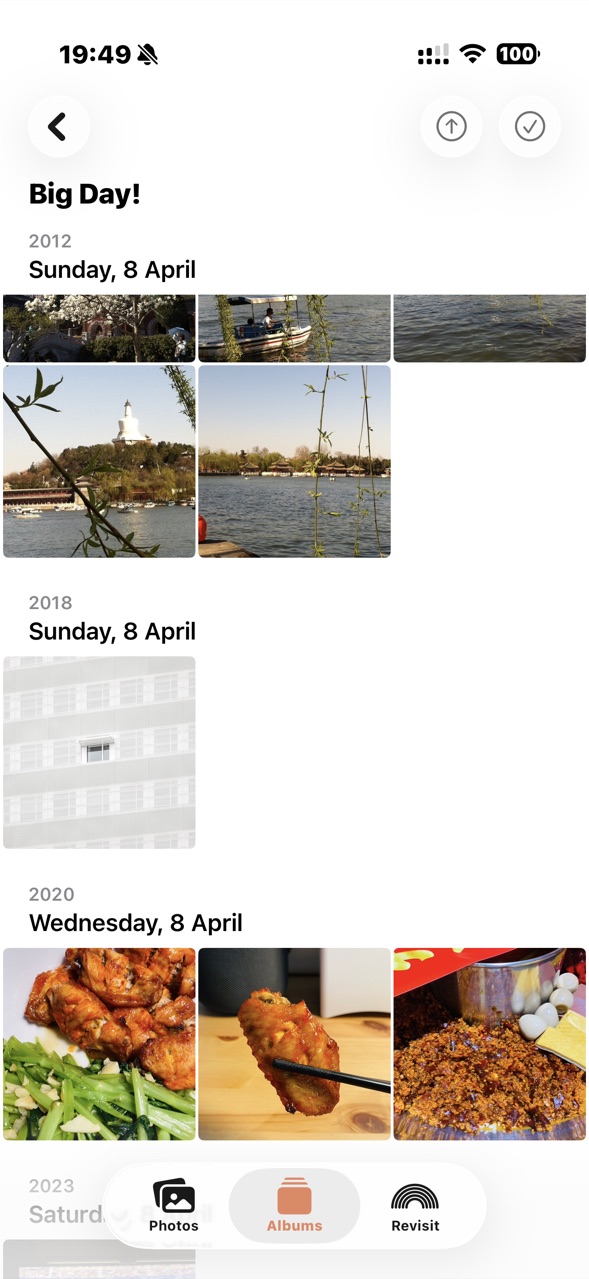
If that day is an anniversary, save it as an Anniversary album (see below).
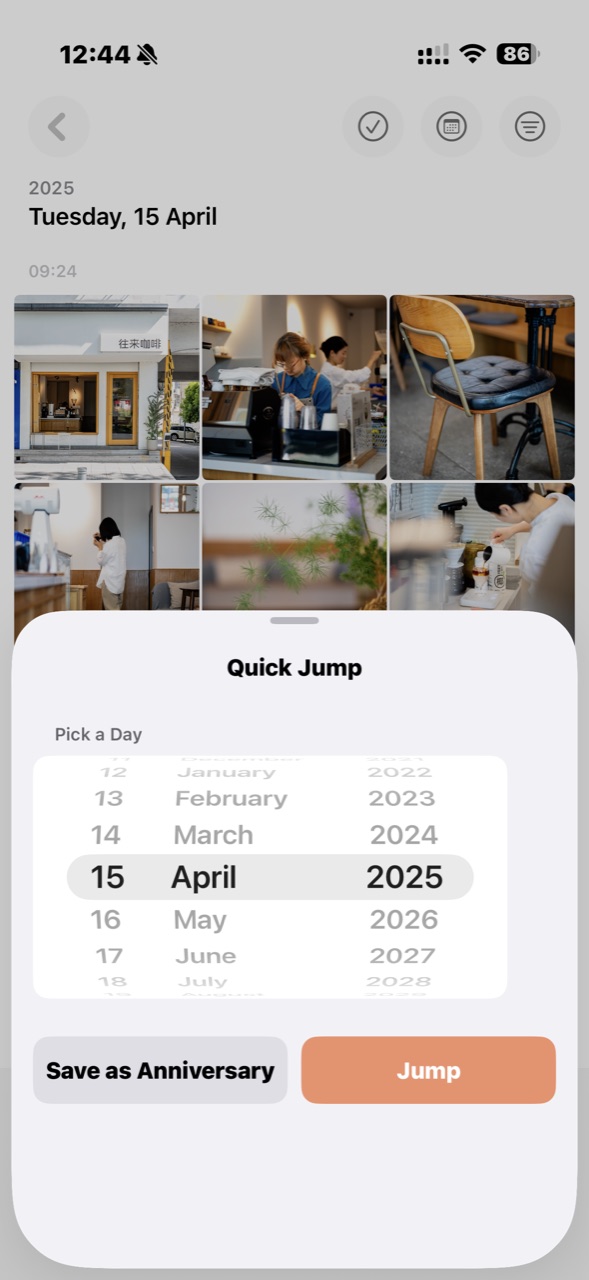
Once you've saved one, every past year's photos from that day are gathered automatically — and every year to come is added too.
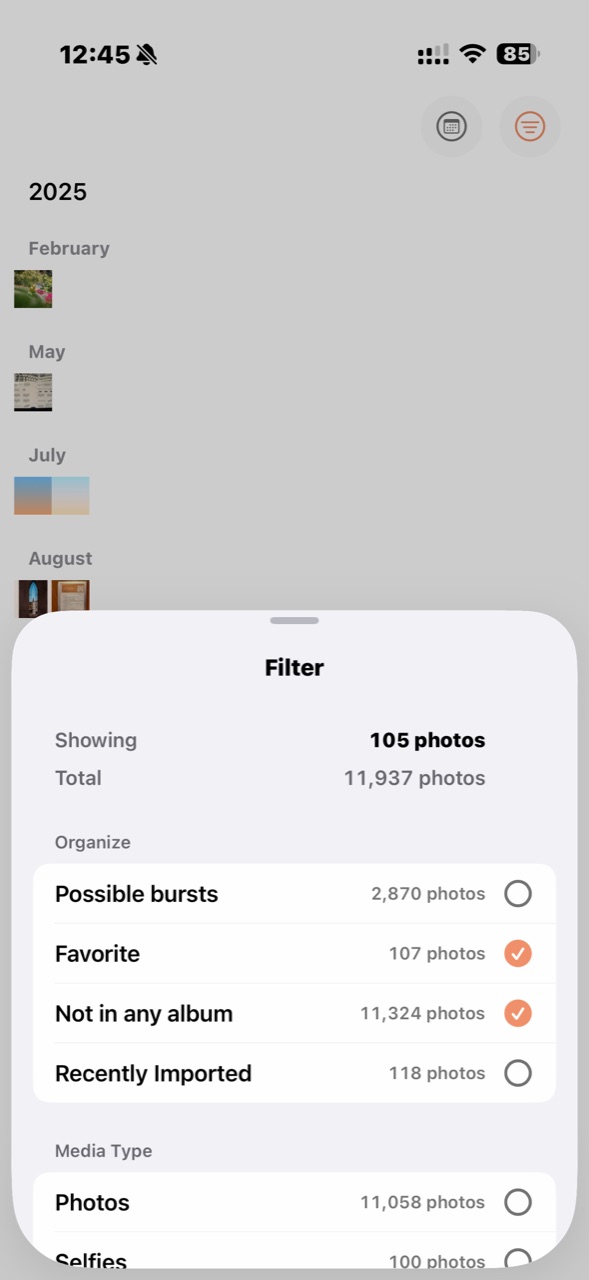
Screenshots, videos, favorites, photos not in any album… tap once to see just that kind. Whatever you pick still shows up in the year / month / day view — a small stretch at a time, so tidying up just happens.
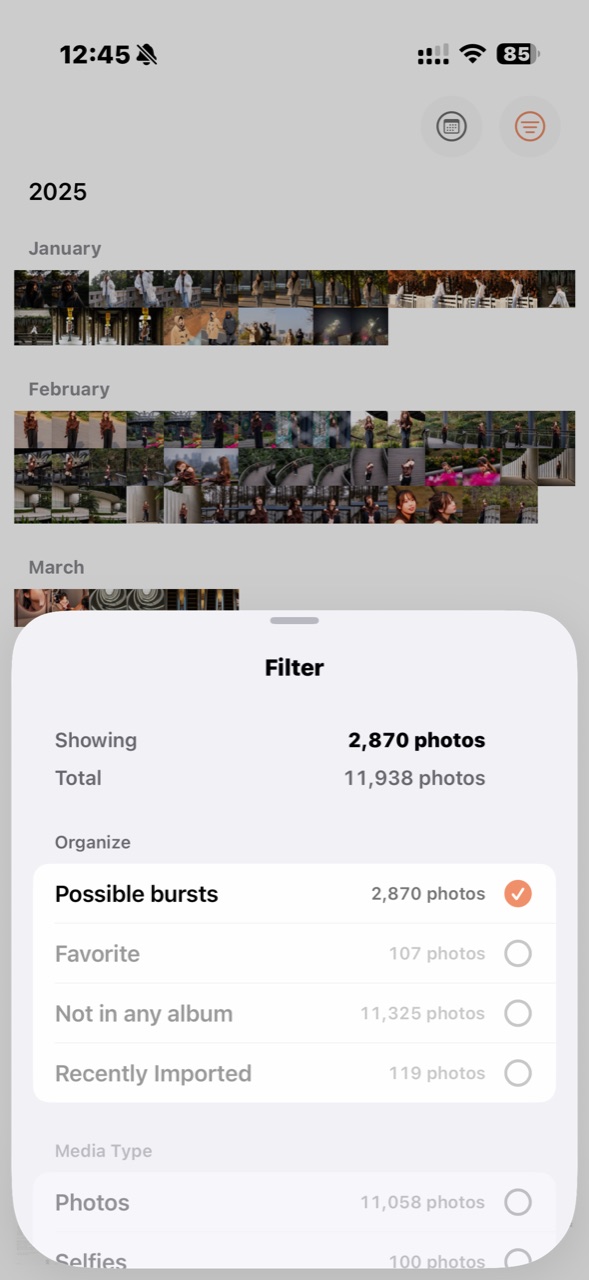
ornoo pulls likely bursts out and shows them in the year / month / day view. The algorithm gets it wrong sometimes — that's fine: your eyes are sharp at spotting near-identical shots in a row, and anything that isn't a burst you'll recognize at a glance.
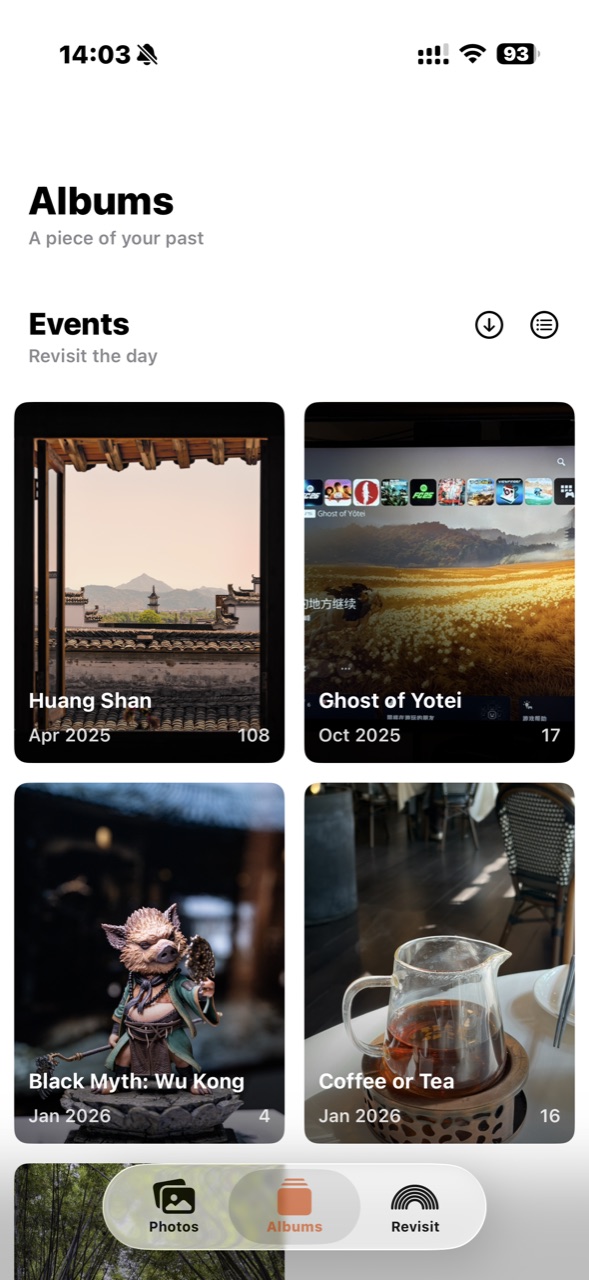
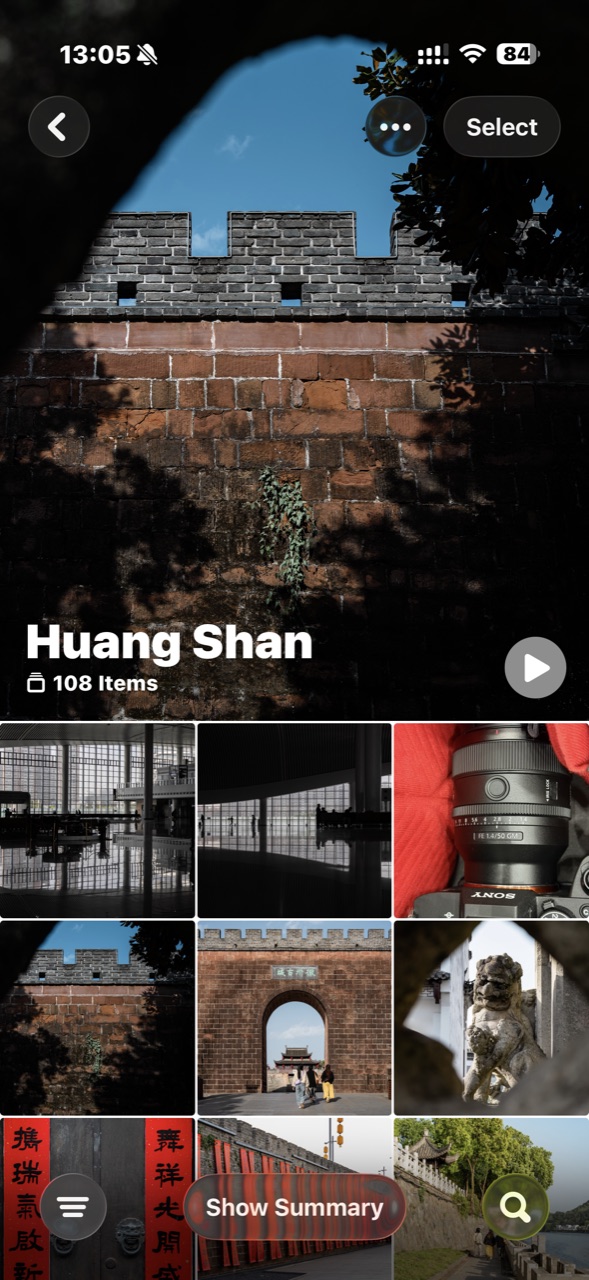
Pick out the photos from a trip or a gathering, save them as an album, and the memory holds still. Open it and it's the same familiar run of days.
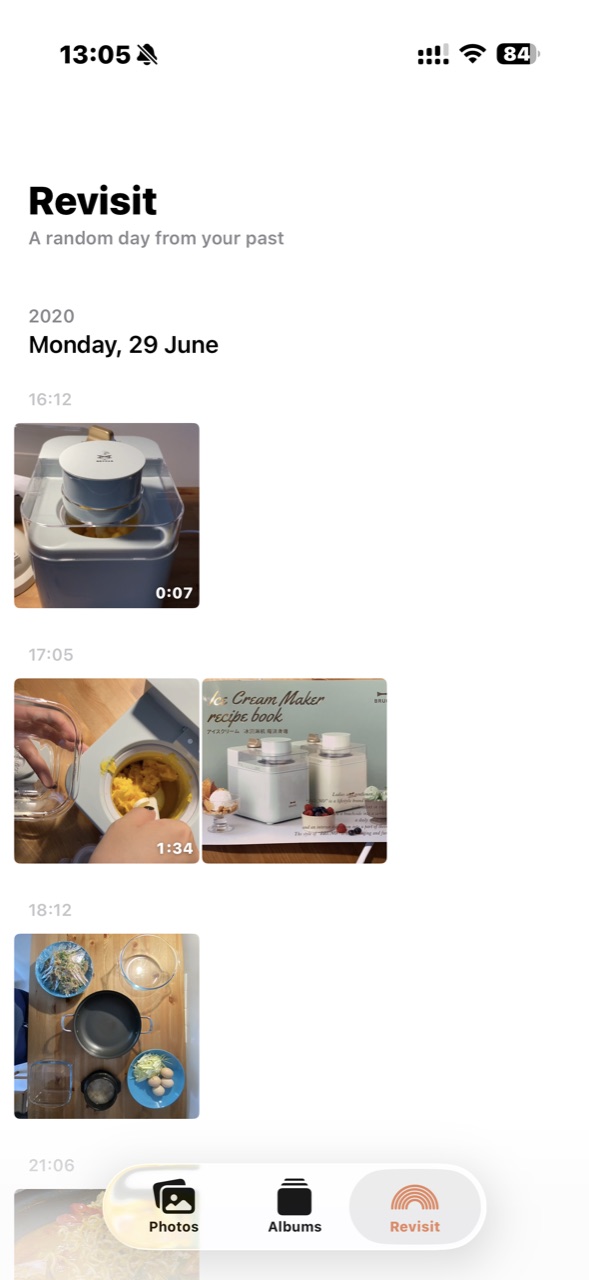
See if you can remember where you were and what you were doing. Swipe left for another random day — it may bring a lot back.
ornoo is just a layer on top of your system photo library — it never copies or moves your photos, and uninstalling leaves them untouched. Albums you save in ornoo show up in the system Photos app too, and changes stay in sync both ways.
On iPhone and iPad,
relive every day you keep.